September 3rd, 2026
[Chrome Extension] Introducing Depop to MyPost Business Importer

Chew Lim
Sold something on Depop? Getting it ready to ship shouldn’t mean copying the buyer’s details between browser tabs.
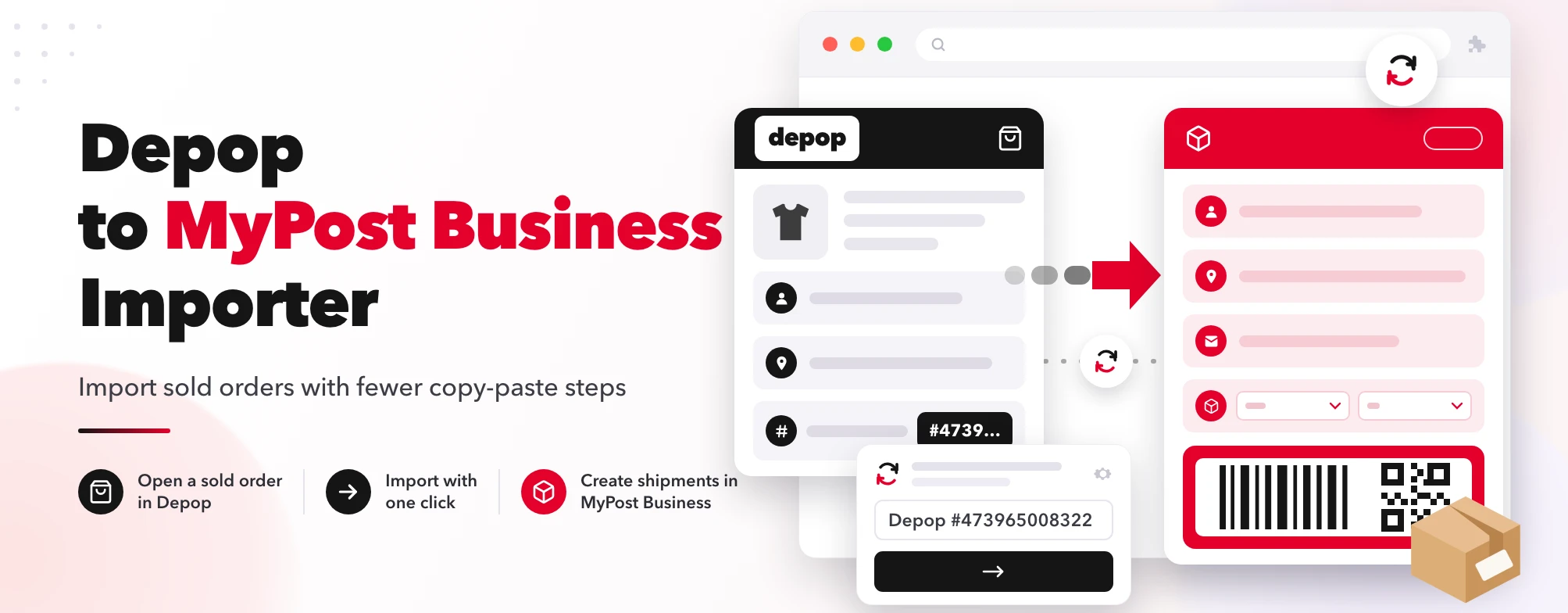
If you use Australia Post MyPost Business, our new Depop to MyPost Business Importer Chrome extension helps with that next step. Open a sold order in Depop Seller Hub, click import, and the extension fills the recipient details in a new MyPost Business order.
Less copy-paste. Faster shipping.
What It Does
The extension reads the order details loaded by your signed-in Depop Seller Hub page and transfers the shipping information into MyPost Business.
It fills:
- Recipient contact name
- Email address, when available
- Australian delivery address, including suburb, state and postcode
- Order reference, such as
Depop #473965008322
It also selects Extra Small packaging and defaults the dangerous-goods option to No.
Parcel contents, weight and dimensions remain for you to complete. Always review the packaging and dangerous-goods selection and change them if they don’t match what you’re sending.
The extension currently supports Australian delivery addresses only.
How to Use It
-
Install and pin the extension.
Add Depop to MyPost Business Importer to Chrome, then pin it to your toolbar for easy access. -
Sign in to both accounts.
Open Depop and Australia Post MyPost Business in the same Chrome browser. -
Open a sold order in Depop Seller Hub.
Select the order you want to ship and wait for its details to finish loading. -
Open the extension.
The popup confirms the captured order reference so you can check you’re importing the right order. -
Click “Import to MyPost Business”.
A new MyPost Business tab opens and the extension fills the supported fields. -
Review and finish your shipment.
Check the recipient’s address, confirm the packaging and dangerous-goods declaration, and complete the remaining parcel details. Then choose your delivery service and create your label in MyPost Business.
You don’t need to refresh every order page. If the page was already open when you installed or reloaded the extension—or the popup says it missed the order details—refresh the page once and wait for it to finish loading before importing.
You Stay in Control
Importing an order doesn’t purchase postage or submit the shipment.
You still review the details and complete the booking yourself. The extension also leaves the phone number and notification settings untouched.
It can import previously shipped orders too, so check that you haven’t already created a label before booking another shipment.
About Browser Permissions
The extension requests access to Depop and Australia Post pages so it can read the selected sold order and populate the MyPost Business form.
It also uses Chrome’s storage permission to temporarily hold the selected order in session memory while the MyPost tab loads. That pending transfer data is removed after the import succeeds or fails, or when you close the destination tab.
The extension does not keep a permanent order history.
Privacy First
The extension does not send your customer or order data to Ricemill.
Order information is transferred within your browser to MyPost Business as part of the import workflow. The extension does not collect or store your Depop login credentials.
Why I Built It
For Depop sellers, packing an order is only part of the job. There’s also the admin: moving the delivery details across, checking the address and preparing the shipping label.
I built this extension to take some of that repeated typing out of the process. It’s a small tool for sellers who want to keep using MyPost Business while spending less time entering the same information twice.
Try It
Ready to simplify shipping your Depop orders?
Install Depop to MyPost Business Importer
Open your next sold order, import the details and get on with packing.
Depop to MyPost Business Importer is an independent extension developed by Ricemill. It is not an official Depop or Australia Post product. Compatibility may change when either website is updated.