How to remove eParcel label from pending Australia Post manifest
Last updated: April 29th, 2024
In this article:
How to remove eParcel label from pending Australia Post manifest
With Australia Post Integration Only
Step 1:
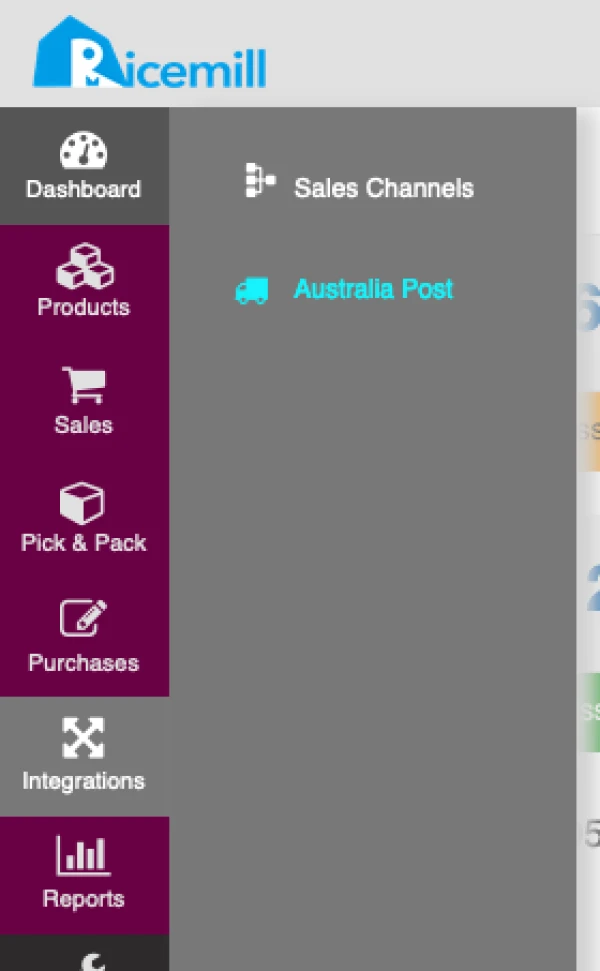
- Go to Integrations -> Australia Post
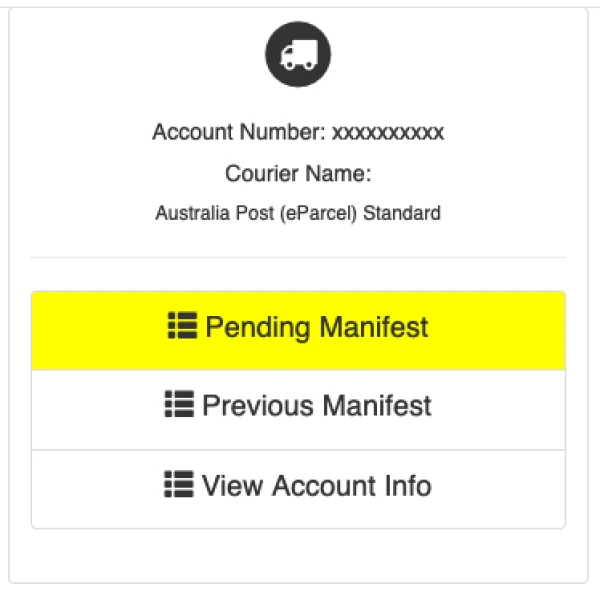
- Click on "Pending Manifest"
- Remove ( "X" button) unwanted label.
Once label removes, it cannot be retrieved, only remove the label that is not in use.
