MyFastway consignment export settings
Last updated: April 29th, 2024
Setup MyFastway Import defination
-
Login to MyFastway
-
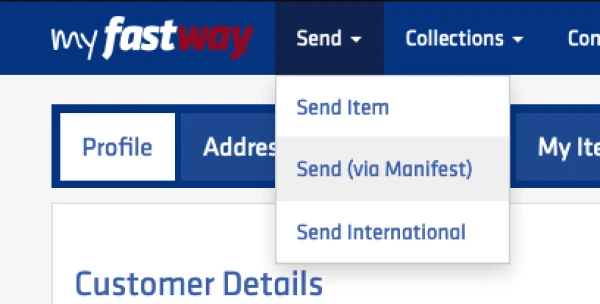
Go to Send > Send (via Manifest)
-
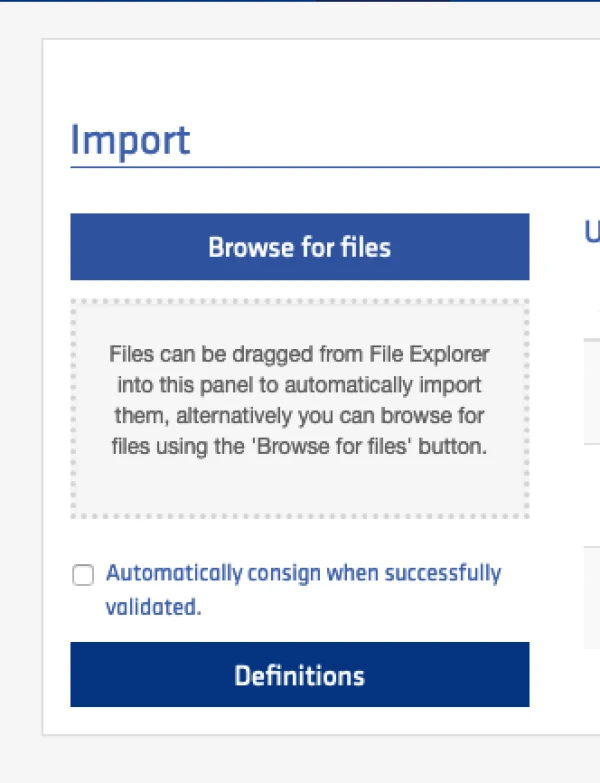
Click on "Definitions" button to add new definition
-
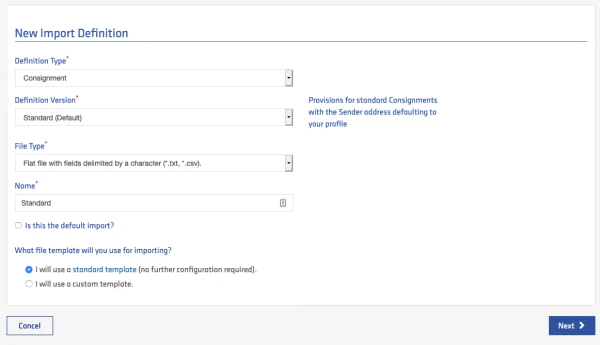
Fill in the form as below then click on "Next"
-
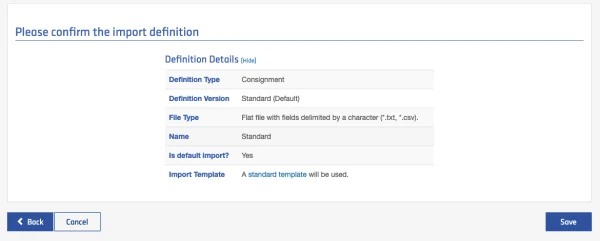
Confirm and Save the Definition.
Setup MyFastway courier rate in Ricemill
- Go to Settings > Couriers and Rates
- Click on "Create New" button on top right.
- Select "Fastway Couriers" and add
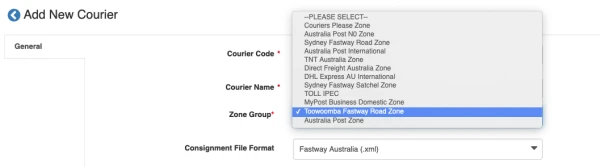
- Select your Fastway Zone Group
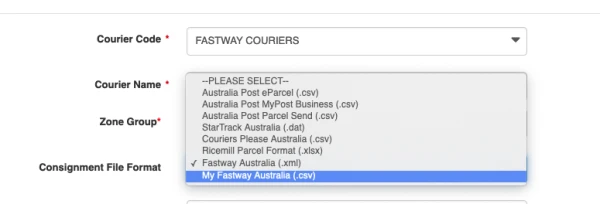
- Select "My Fastway Australia(.csv)" as Consignment File Format.
- Select "Australia" in Allow Country.
- Turn On "Active", Then click on "Save"