How to adjust product's quantity (Inventory Adjustment)
Last updated: April 19th, 2024
In this article:
How to adjust product's quantity
Step 1:
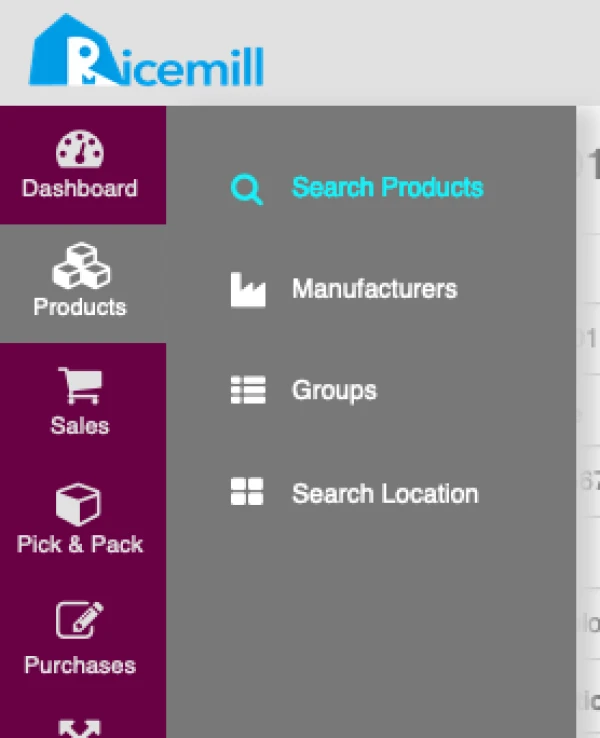
- Go to Products -> Search Products.
Step 2:
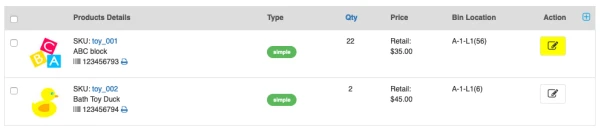
- Search for the product you want to adjust quantity.
- Click on "Edit" button of product you want to adjust quantity
Step 3:
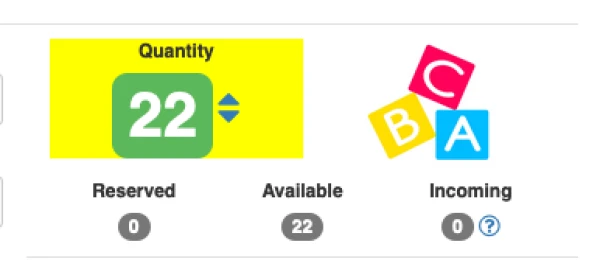
- Click on item "Quantity".
Step 4:
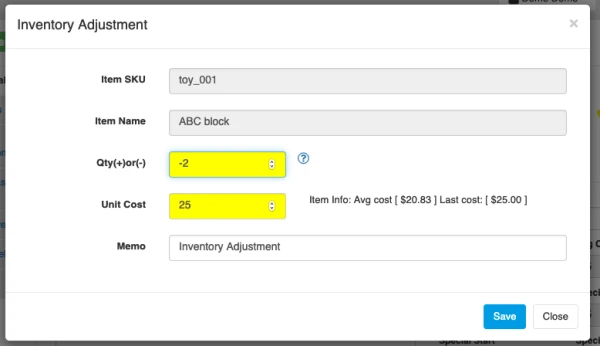
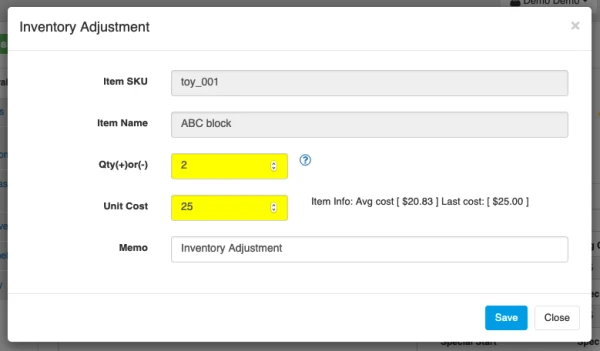
Use Positive value in "Qty" to add quantity, for example '2' Use Negative value in "Qty" to deduct quantity, for example '-2'
Add quantity:
- Enter the quantity you want to add.
- Enter the Unit Cost of products.
- Click on "Save" to adjust quantity.
Deduct quantity:
- Enter the quantity (Negative value for example '-2') you want to deduct.
- Enter the Unit Cost of products.
- Click on "Save" to adjust quantity.