How to assign a product to Sales Channels
Last updated: April 17th, 2024
In this article:
How to assign a product to Sales Channels
Step 1:
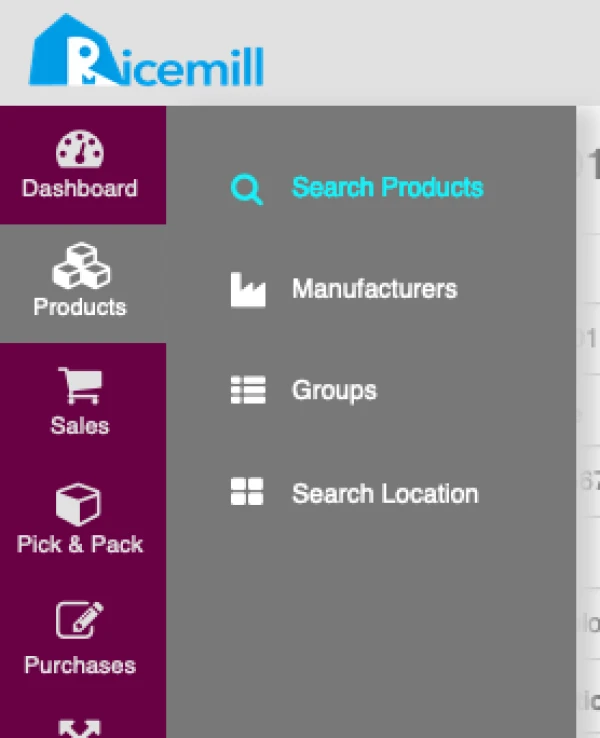
- Go to Products -> Search Products.
Step 2:
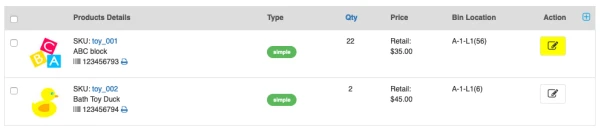
- Search for the product you want to add to Sales Channe.
- Click on "Edit" button of product you want to add to Sales Channe
Step 3:
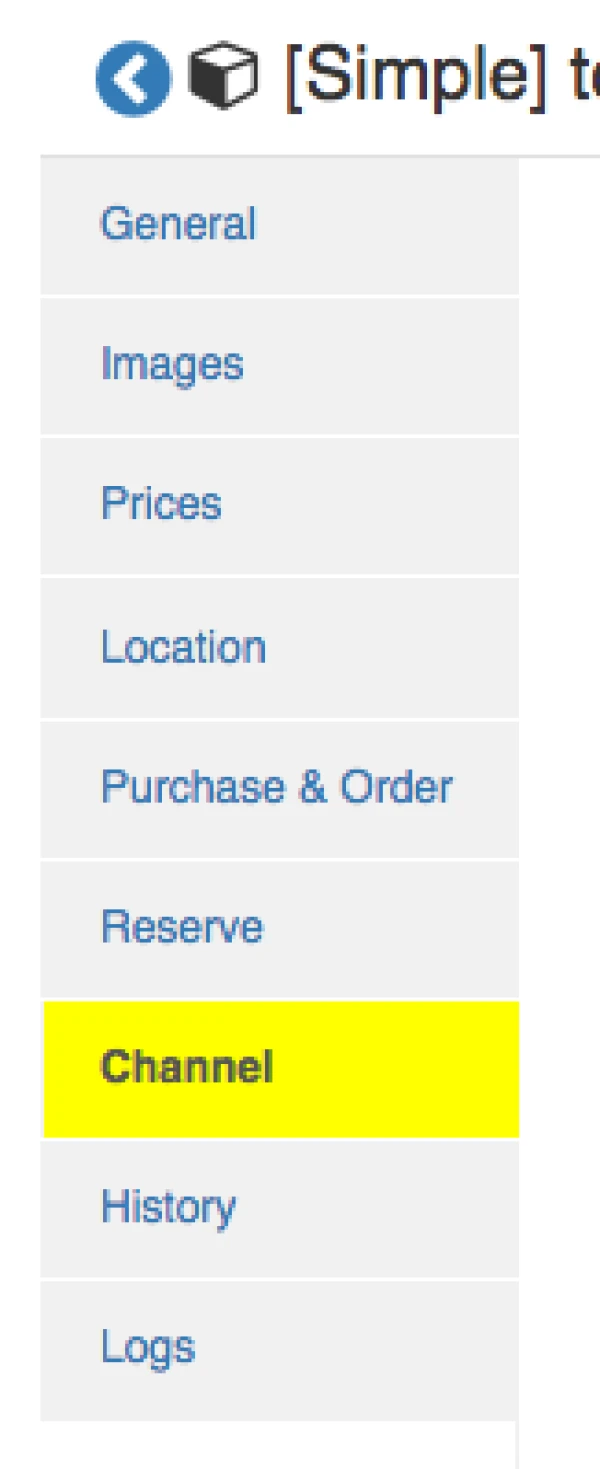
- At Product view page, click on "Channel" tab.
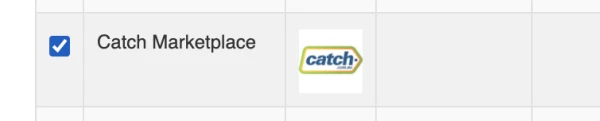
- Tick on Sales channel you want to add and click save.