How to batch assign products to sales channel using CSV
Last updated: April 17th, 2024
In this article:
How to batch assign products to sales channel using CSV
Step 1:
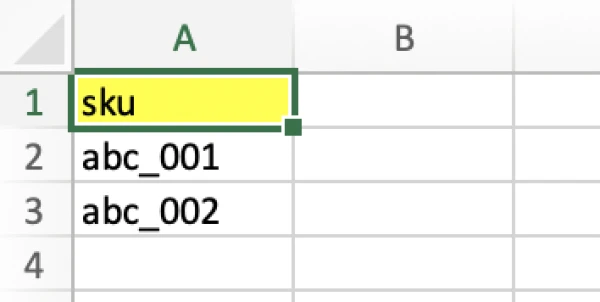
- Create a CSV file with "sku"
Step 2:
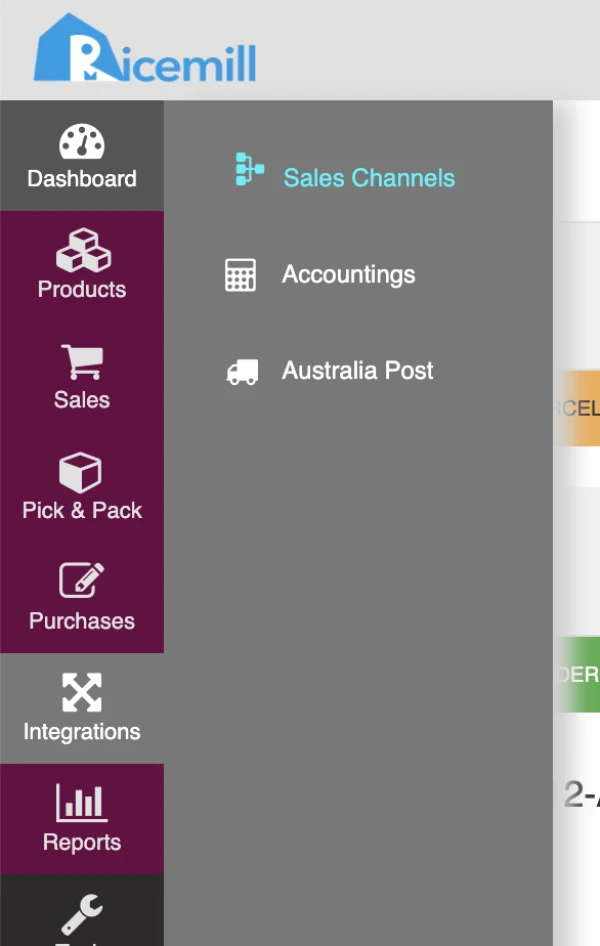
- Go to Integration > Sales Channels
Step 3:
- Click on "Import" button and select "Assign channel products"

Step 4:
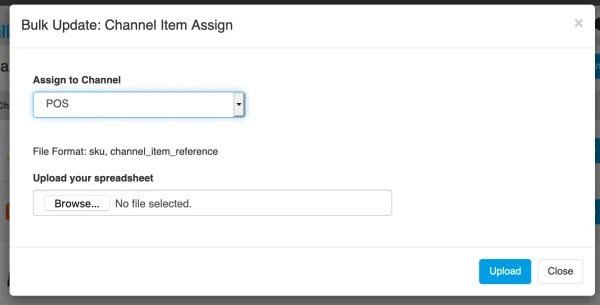
- Select the Sales Channel you want to assign products to
- Open the CSV file create at Step 1
- Click on "Upload" button