How to create a new manufacturer
Last updated: April 22nd, 2024
In this article:
How to create a new manufacturer
Manufacturers are used in Ricemill to help you keep track of how the sales of your different product lines compare.
You can view your Manufacturer Reports by going to Reports > Sales > Sales By Manufacturer.
Step 1:
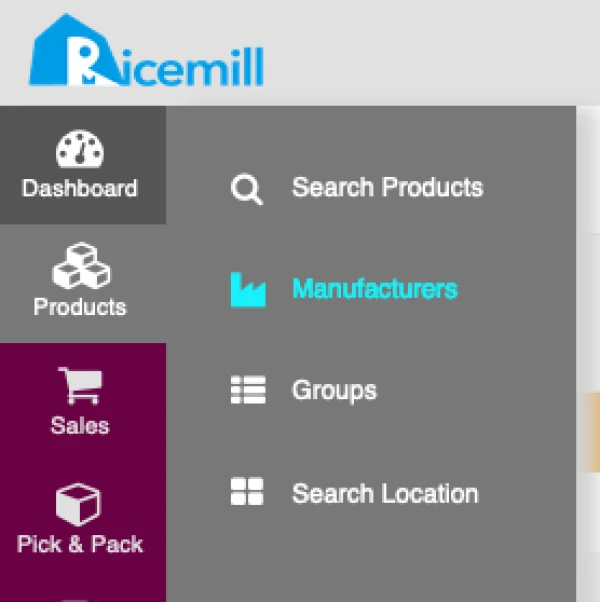
- Go to Products > Manufacturers
Step 2:
- Click on "Add Manufacturer"

Step 3:
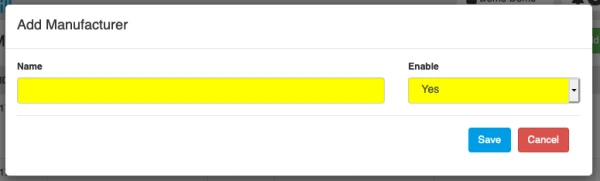
- Enter Manufacturer Name
- Set Enable to "Yes" to activate the Manufacturer
- Click Save