How to split a purchase order
Last updated: April 23rd, 2024
In this article:
How to split a purchase order
Applicable for partially received purchase orders only (Status: Partial Received)
Step 1:
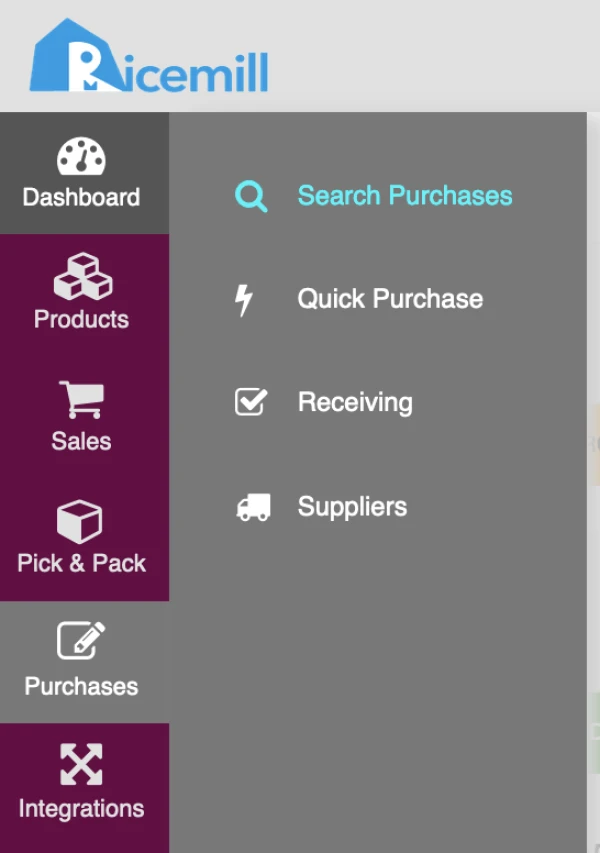
- Go to Purchases > Search Purchases
Step 2:
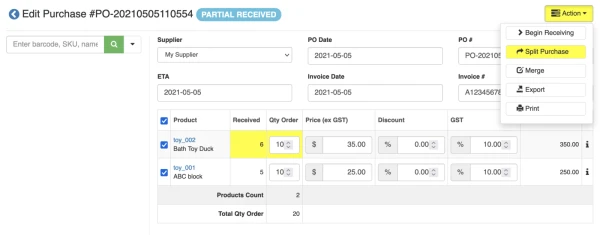
- Click on the "Edit" button on the Partial Received Purchase Order you want to split

Step 3:
- Select the products you want to move to New Purchase Order
Fully received products cannot be move

Step 4:
- Click on the "Action" button on the top right of the page
- Select "Split Purchase"
Step 5:
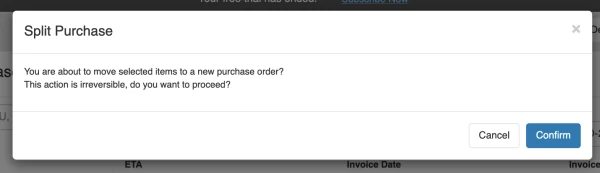
- Click on "Confirm" on the Popup screen
Step 6:
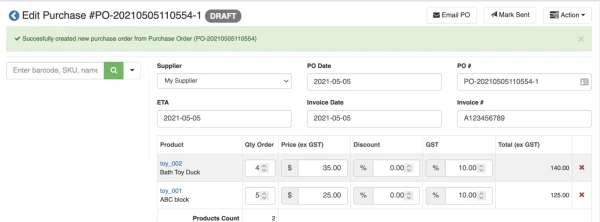
- A new "Draft" purchase order will be created
Step 7:
- The original purchase order will be marked "Fully Received" if all unreceived products have been moved to the new purchase order

Step 8:
- Open "Fully Received" purchase order
- Click on the "Publish" button to publish the purchase order
