How to force complete order
Last updated: April 22nd, 2024
In this article:
How to force complete order
Step 1:
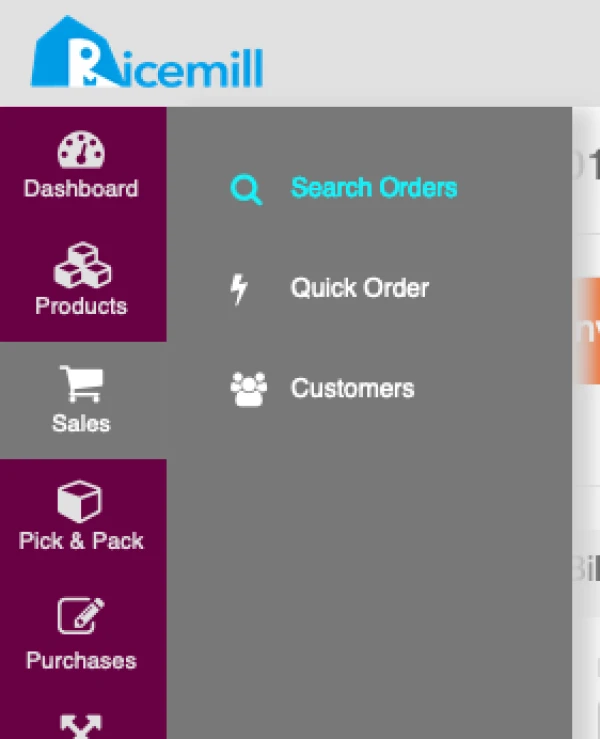
- Go to Sales->Sales Orders
Step 2:
-
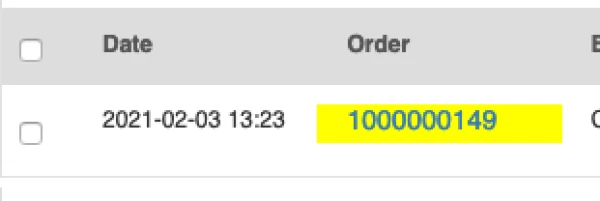
Search for the order you want to force complete
-
Click on the Order number to view Sales Order
Step 3:
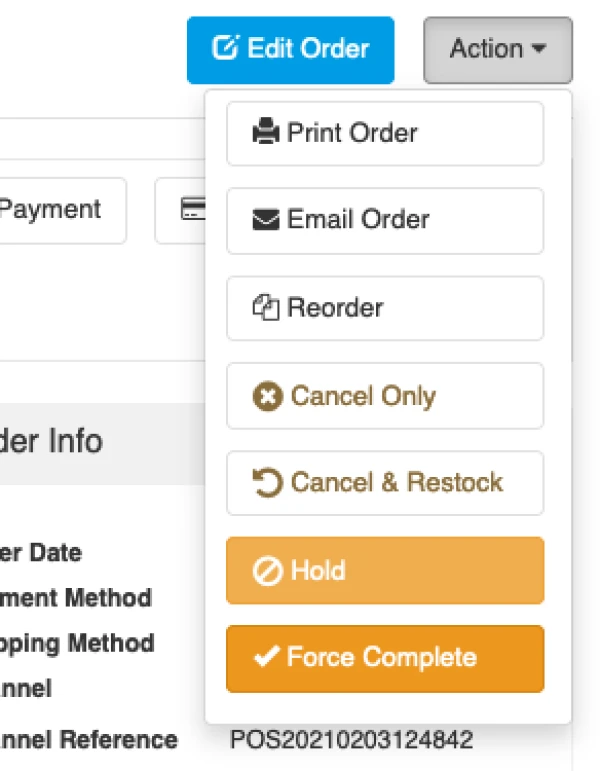
- Click on "Action" button on top right
- Select "Force Complete" from dropdown
- This will update the order status to complete.
| Note: Order status and/or shipment will not synced to channel after you force complete the order. || Force Complete will not update Bin Location Qty.