General Settings
Last updated: April 29th, 2024
In this article:
General Settings
Display Settings
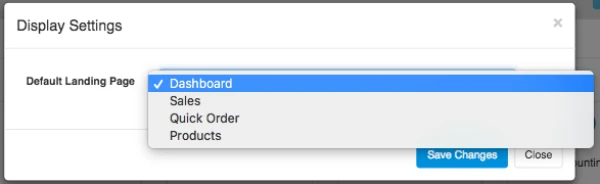
Change landing page after login
- Go to Settings->Display Settings
Document Settings
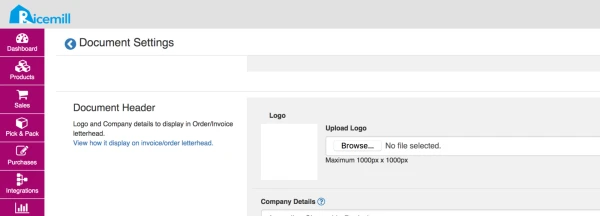
How to change company logo for invoice / order?
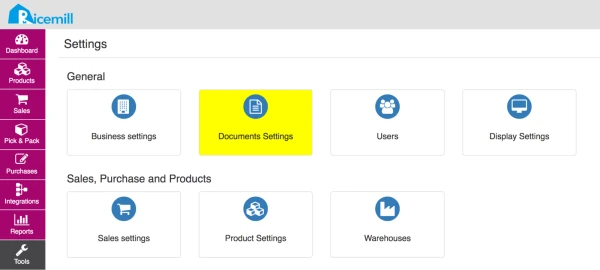
- Go to Settings > Document Settings
- Go to "Document Header" section, browse and upload the logo, and click on "Save" button at the bottom of the page.