How to manually mark item as picked
Last updated: April 23rd, 2024
In this article:
Manually mark item as picked
Step 1:
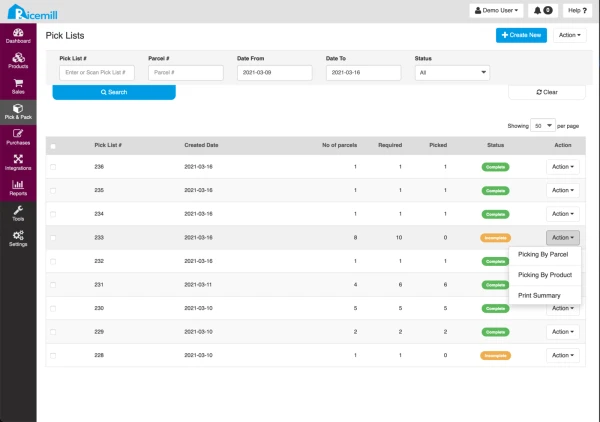
- Go to Pick & Pack -> Picking.
- Click on Pick By Order or Pick By Product
Step 2:
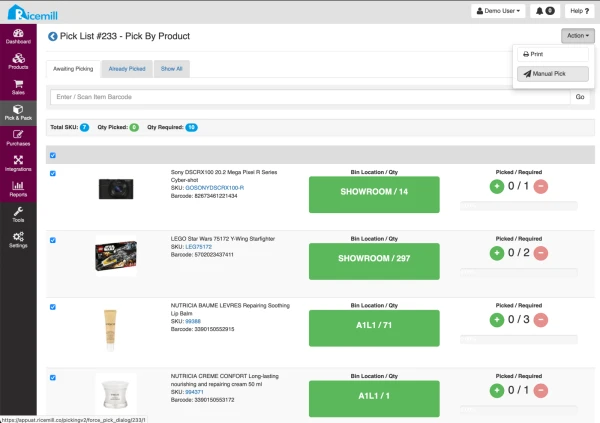
- Select the products (Select the checkbox) that you would like to manually mark as picked.
- Click on Action->Manual Pick
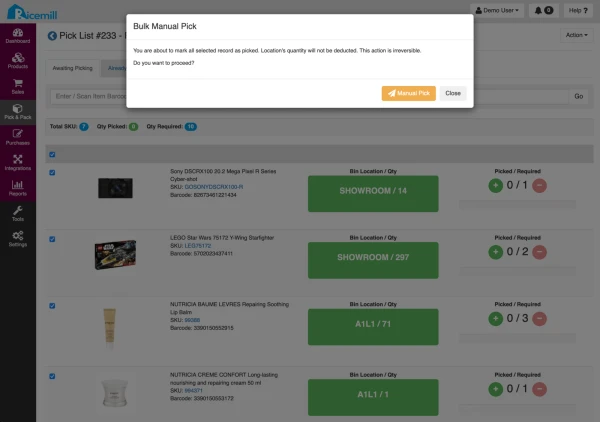
- Click Manual Pick to confirm