Troubleshooting: Barcode scanner not scanning
Last updated: April 29th, 2024
In this article:
Troubleshooting: Barcode scanner not scanning
Problem:
Unable to scan the product’s barcode.
Solution:
There are several factors that can cause this issue.
Troubleshooting steps
- Check if the barcode input field on-screen focus. The blue highlight will display if it is on focus. You can click/tap on the Barcode fields to focus it.
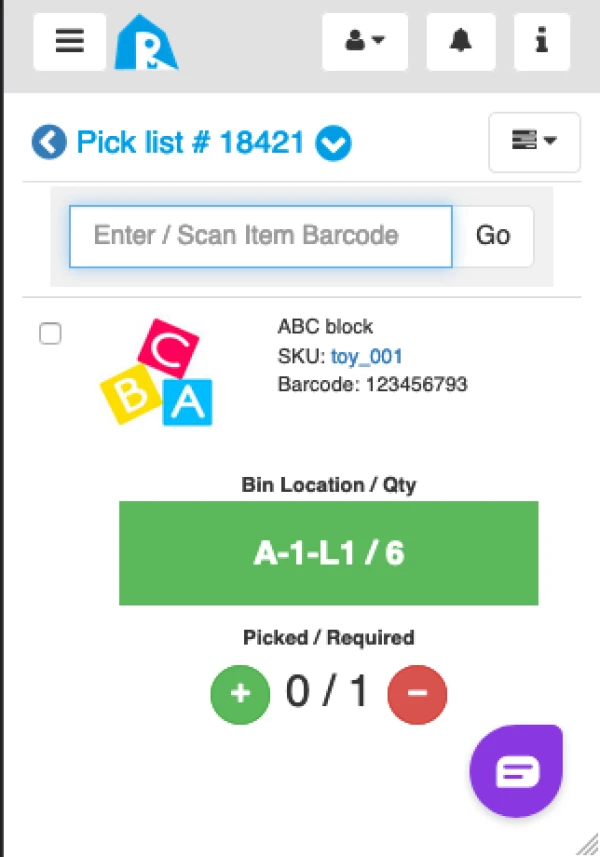
- Check if the barcode on the product:
- Is scratched.
- The brightness is too low or too high
- Check if the barcode scanner is faulty. Swap the scanner and test.
- Check if the barcode format is supported by your barcode scanner. Try to scan on another product to see if it is working.
- Check if your barcode scanner is supported by your computer device.
- Check the setting of your scanner if the scanning function is turned on.