How to bulk revise eBay listings quantity & price
Last updated: April 26th, 2024
In this article:
How to bulk revise eBay listings quantity & price
Step 1:
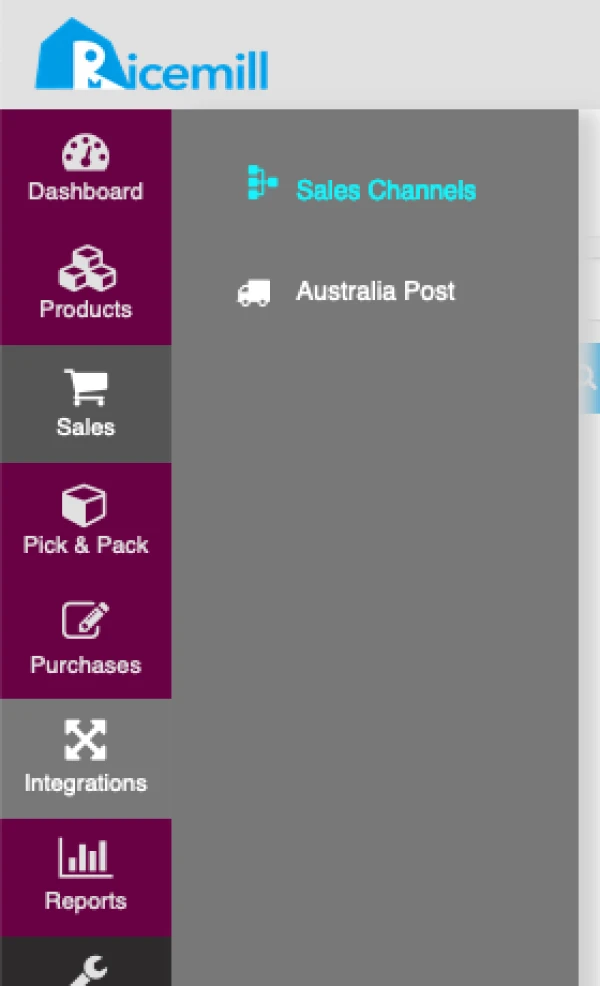
- Go to Integrations > Sales Channels
Step 2:
- Choose your eBay channel and click on "Open" button.

Step 3:
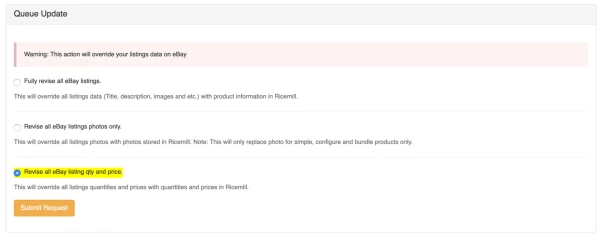
- Select " Revise all eBay listing qty and price. " under "Queue Update" section.
- Click "Submit Request" button
Depending on the number of listings, it could takes up to 24 hours to complete.