Australia Post eParcel Integration
Last updated: August 17th, 2026
In this article:
How to Register for a Shipping & Tracking API key
In order to integrate your Australia Post account with Ricemill, you need to generate an API key and secret from Austrlia Post.
The Australia Post eParcel Integration uses Australia Post's latest service for printing labels and submitting manifests.
Step 1:
- Go to https://developers.auspost.com.au/login, login using your existing Australia Post login
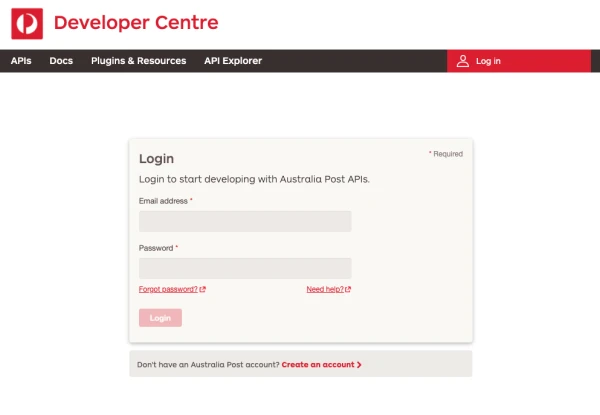
- If you do not have Australia post account, you can create one at https://developers.auspost.com.au/register. You will receive an activation email from Australia Post. Use this to activate your new account and log in.
Step 2:
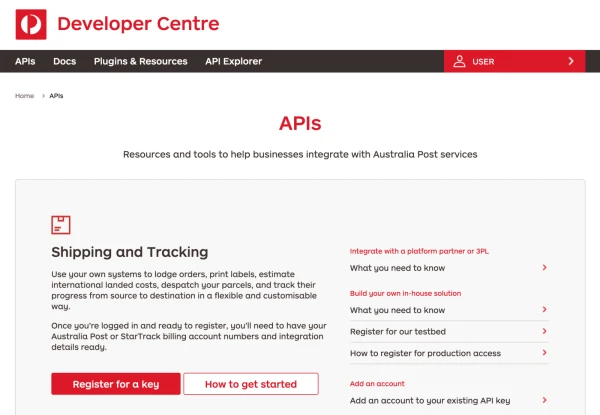
- Click on APIs on the top menu
- Under "Shipping and Tracking" section, Click on the "Register for a key" button.
Step 3:
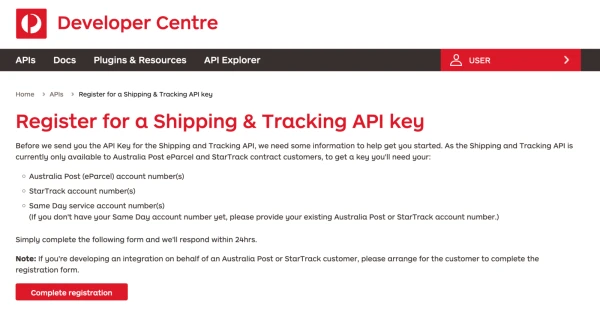
- Click Complete Registration
- Fill in your contact details and email address.
- Select the services (Australia Post/ StarTracks) your want to access and enter service account number
- Click Next
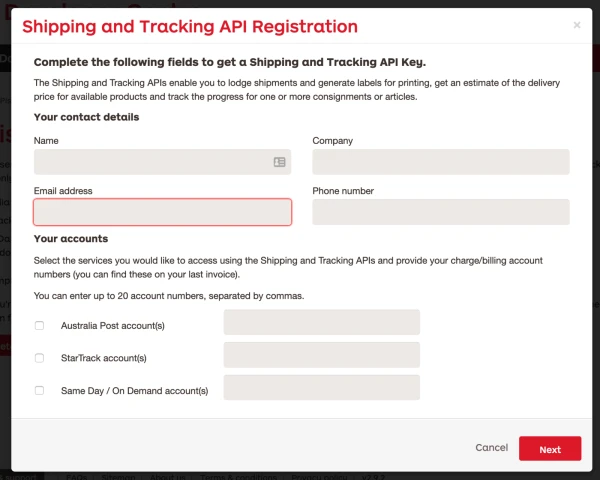
Step 4:
- Are you accessing the API via a Platform Partner? Select "Yes"
- Please select your platform partner => "RiceMill"
- Check the consent box
- Click Next
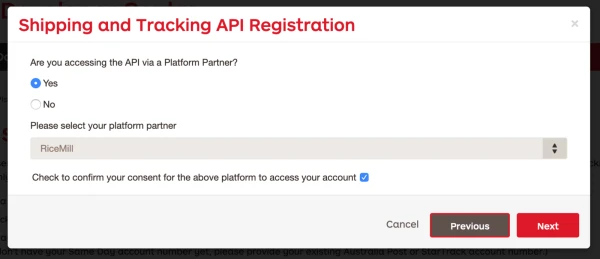
Step 5:
- Complete the registration
- Click Send
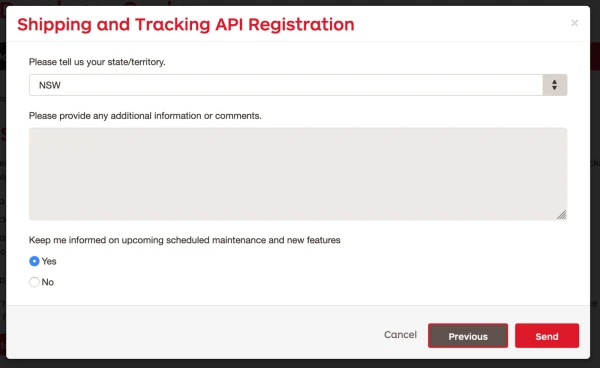
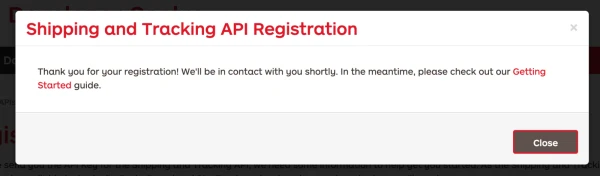
- Australia Post will send you API Key and Secret once they review your registration.
How to connect to eParcel from Ricemill
Step 1
- Go to Integration > Shipping
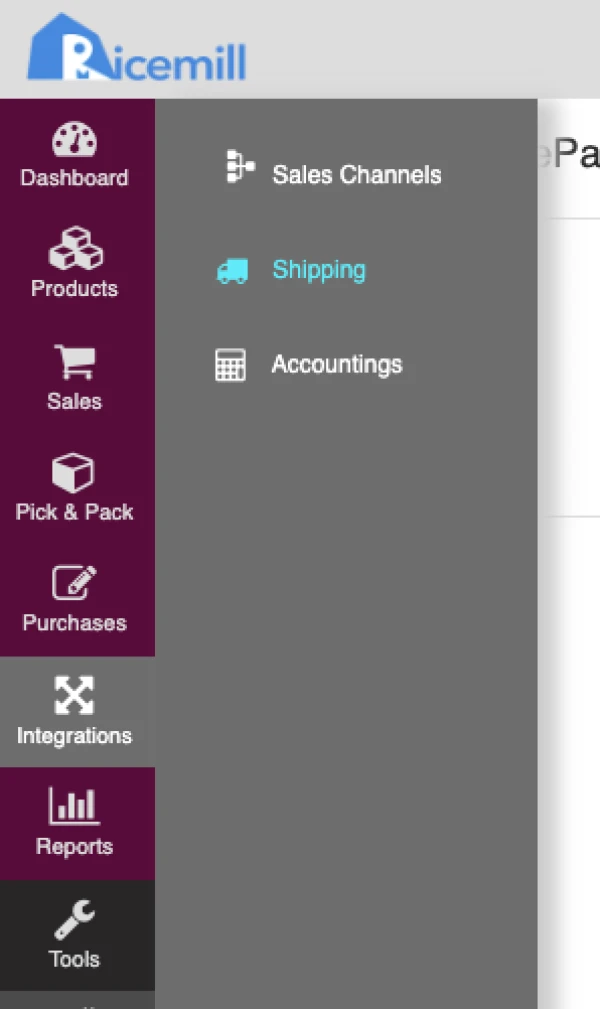
Step 2:
- Under eParcel, click on Activate button
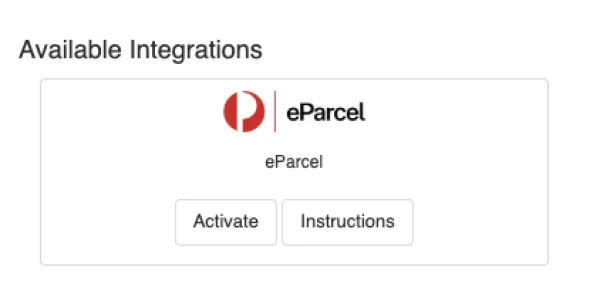
Step 3:
- Click on Next button
Step 4:
- Enter API Key and Secret you received from Australia Post.
- API Key to API Username and
- API Secret to API Password.
- Enter your eParcel account number.
- Click Connect.
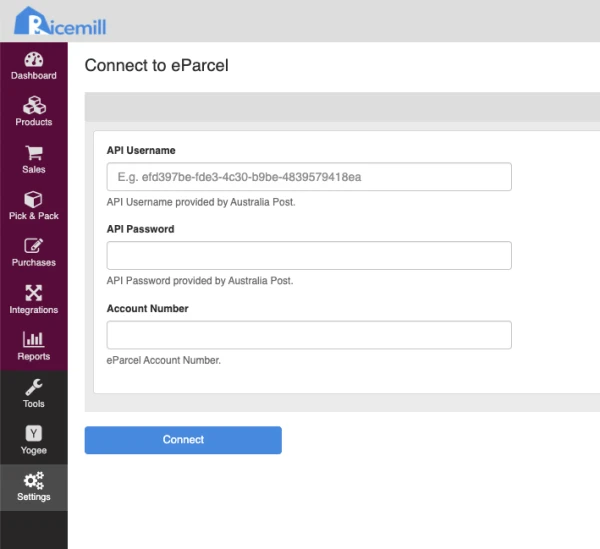
Step 5:
- Click on Save button to complete the setup.
How to upload eParcel manifest to Australia Post
Steps:
-
Go to Integration > Shipping.
-
Open eParcel.
-
Go to the Orders tab.
-
Select the orders you want to manifest.
-
Click on the Upload to Australia Post button.
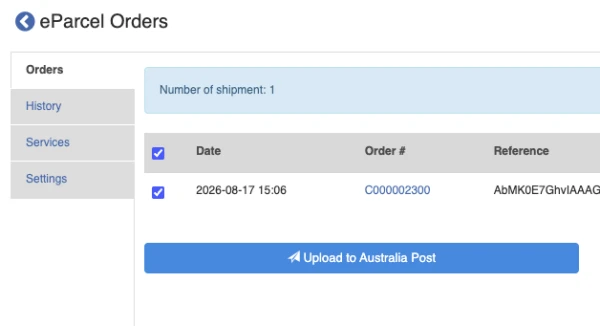
-
Click on Print order summary.