How does the Magento 2 integration work
Last updated: April 26th, 2024
In this article:
How to create API access on Magento 2
- Login to Magento 2 admin site.
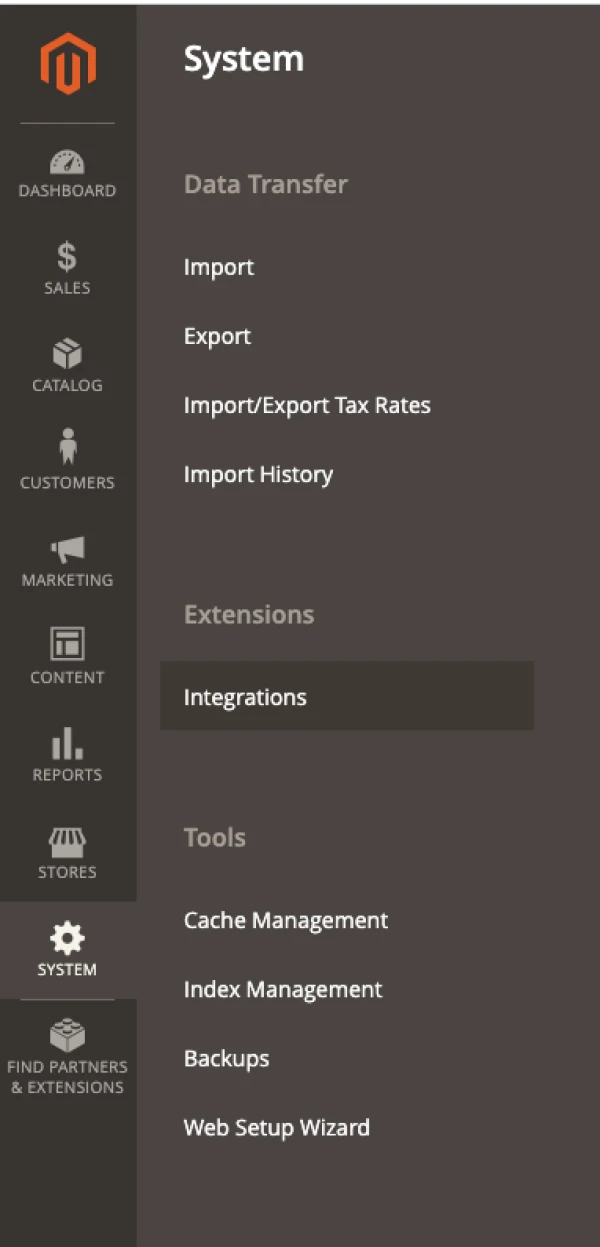
- Go to System > Integration.
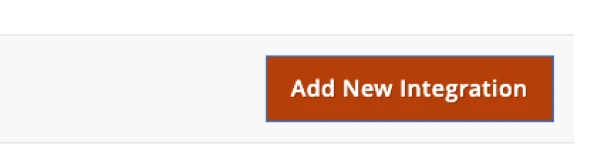
- Click on "Add New Integration" button.
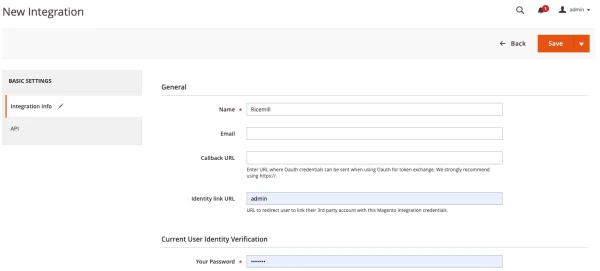
- Fill in the "Name" and click on "API" tab on the left menu.

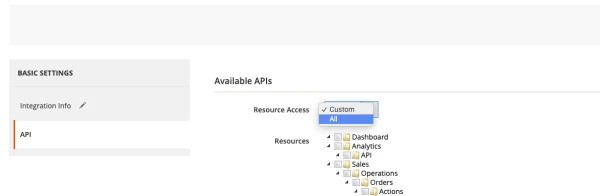
- Select "All" the access permission for the API.

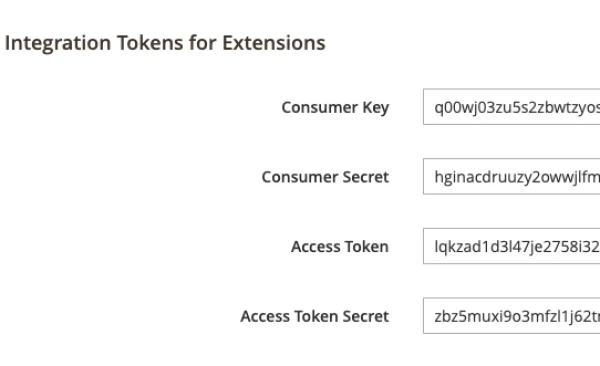
- Copy the Access Token on the screen for later use to connect Ricemill to Magento 2.
How to add Magento 2 sales channel
- Login to Ricemill
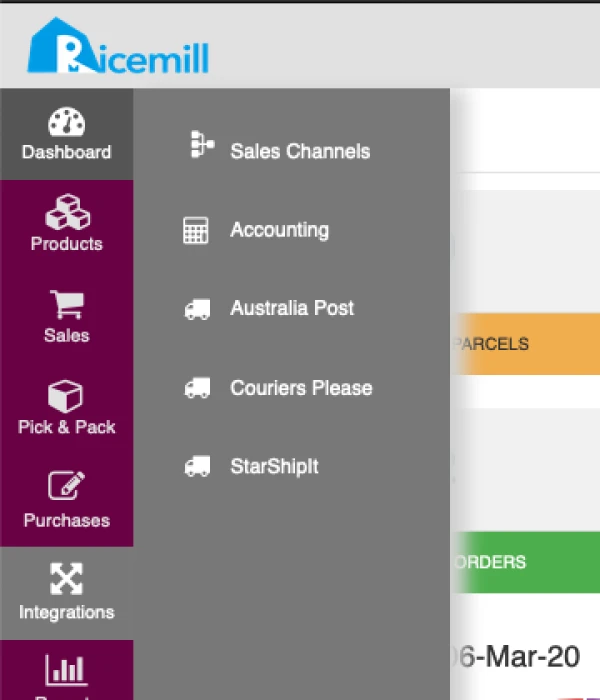
- Go to Integrations > Sales Channels
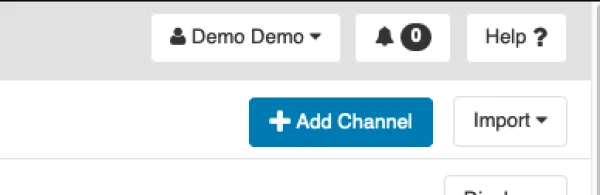
- Click on "Add Channel"
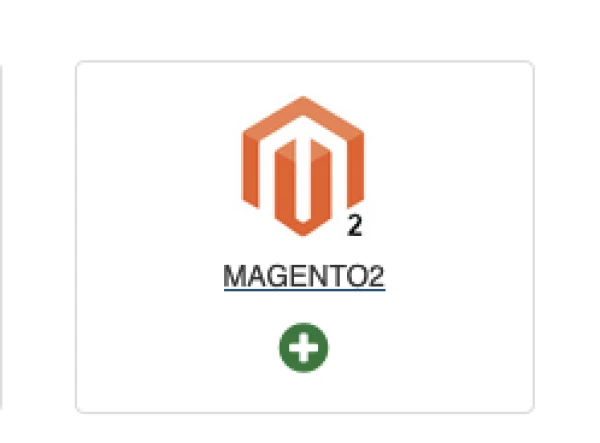
- Select "+" Magento 2
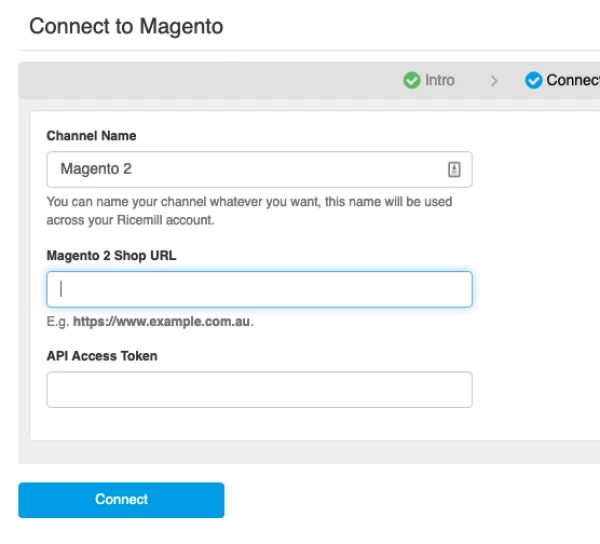
- Fill in the Channel name, Shop URL and API Access Token(Access token from How to create API access on Magento 2) and click on "Connect"
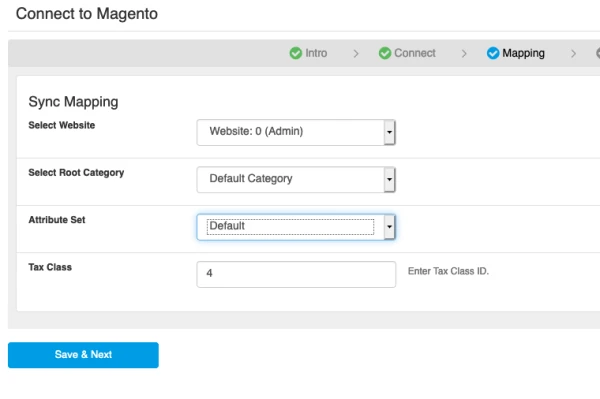
- Map the store Website, Category, Attribute Set and Tax Class. Then click on "Save & Next"
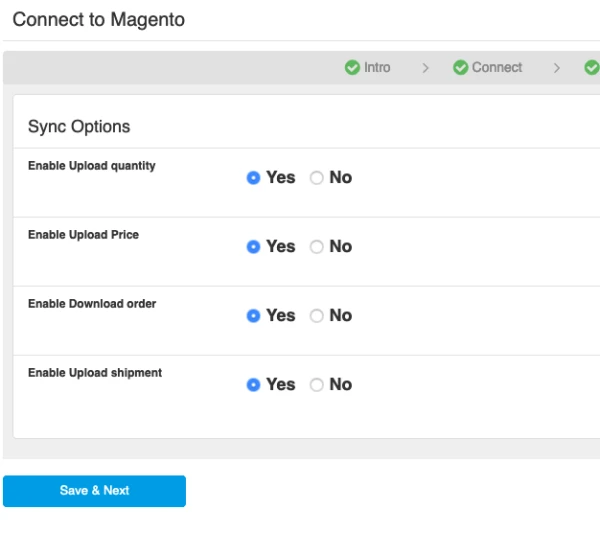
- Set the Sync Options. Then click on "Save & Next"
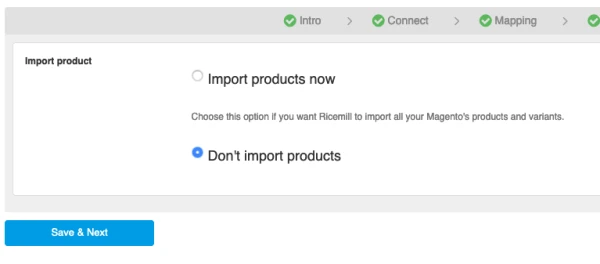
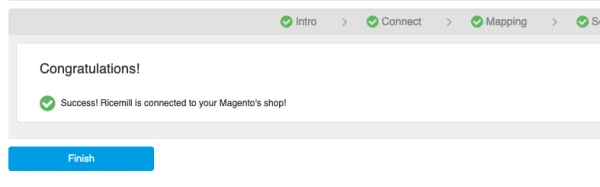
- Select product import option and continue.
How to manually download Magento 2 order
- Go to Integrations > Sales Channels
- Open Magento 2 channel by clicking on "Open" button

- Go to "Import Order" section of the page, select the date range and order status, click on "Search Order"
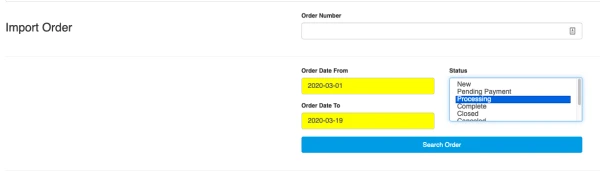
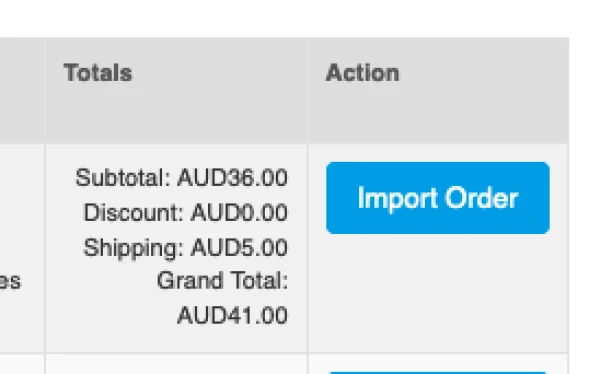
- At result page, select the order you want to download and click on "Import Order"
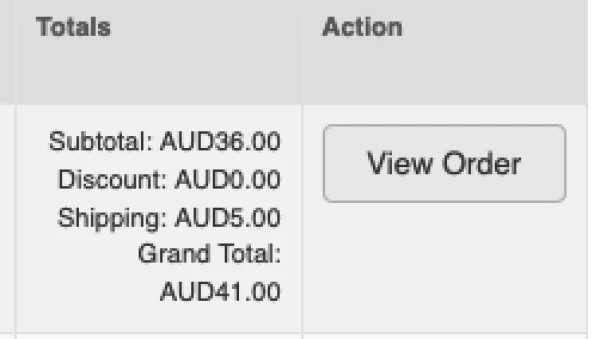
- Once order downloaded, "Import Order" button will be replace by "View Order" button. Click on "View Order" button to view the order.
How to manually upload Shipment to Magento 2
-
- Go to Integrations > Sales Channels
- Open Magento 2 channel by clicking on "Open" button
- Go to "Upload Shipment" section of the page, click on "Upload Shipment"
