How to add Admin API access scopes for Custom App
Last updated: December 5th, 2024
In this article:
How to add Admin API access scopes for Custom App
Steps:
-
Login to your Shopify Store Admin
-
Go to Settings > Apps and sales channels.
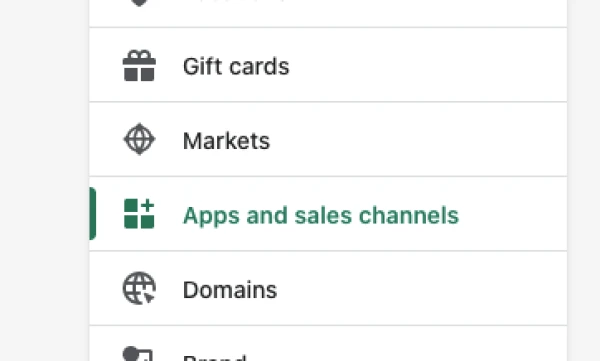
- Click Develop apps.

- Open Custom app that link to Ricemill.
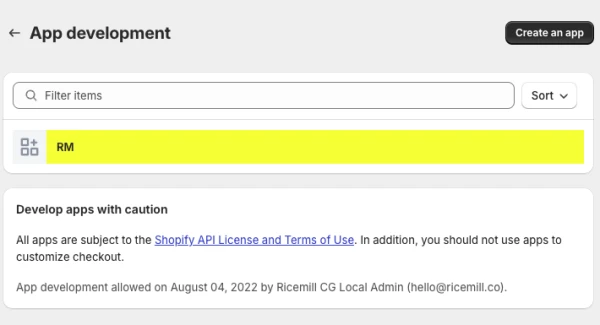
- Click on "Configuration" tab.

- Click on "Edit" button
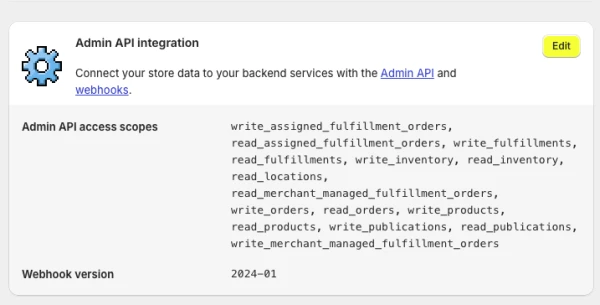
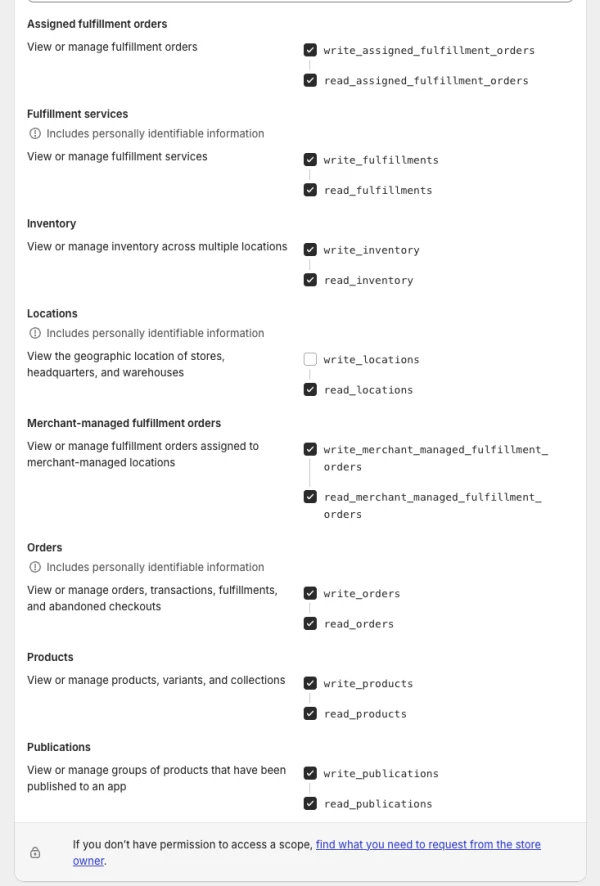
- Select the API scopes you want to add, and click "Save"