How to enable, create and install a Shopify custom app
Last updated: December 5th, 2024
In this article:
Enable custom app development from the Shopify admin
Steps:
-
Login to your Shopify Store Admin
-
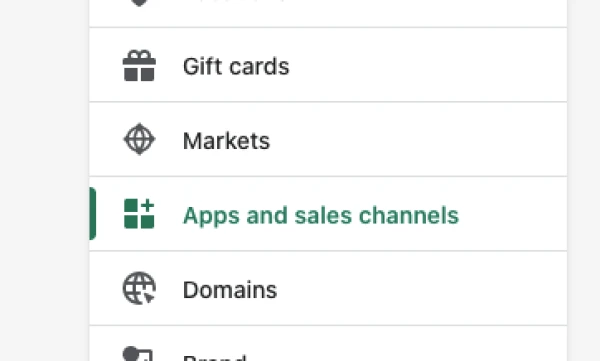
Go to Settings > Apps and sales channels.
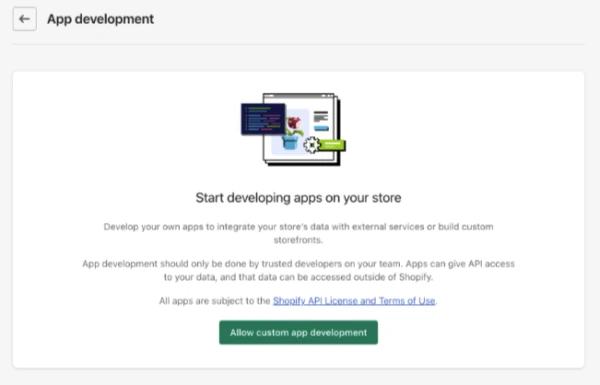
- Click Develop apps.

- Click Allow custom app development.
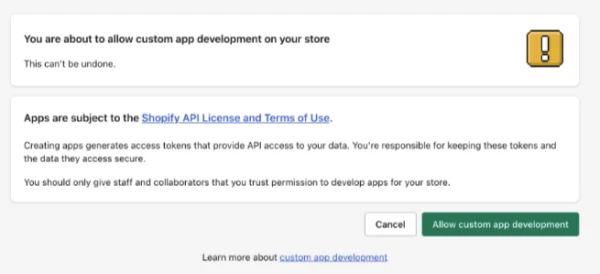
- Read the warning and information provided, and then click Allow custom app development.
After you've enabled custom app development, you can create and install a custom app in your Shopify admin.
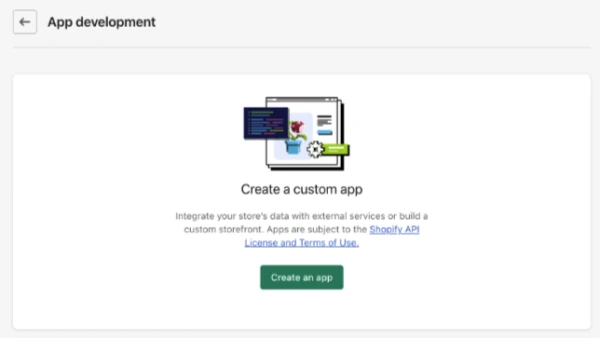
- Click on the Create an app.
- In the modal window, enter the App name (For example "My Custom App") and select an App developer. You can select the store owner as the App developer.
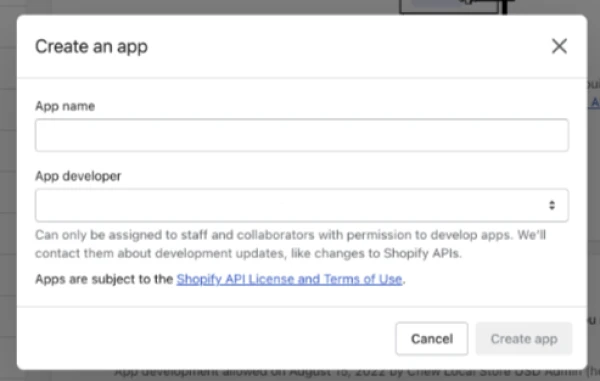
- Click Create app.
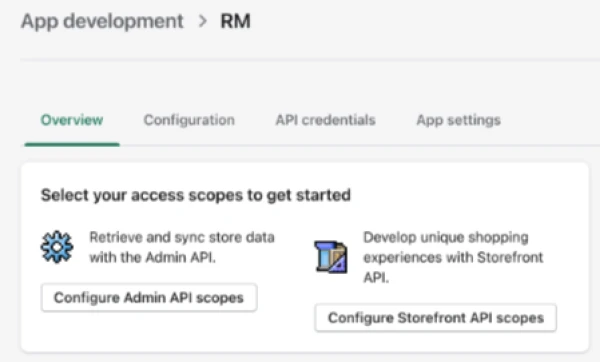
After you create a custom app, you can assign API scopes to it.
- Click "Configure Admin API scopes".
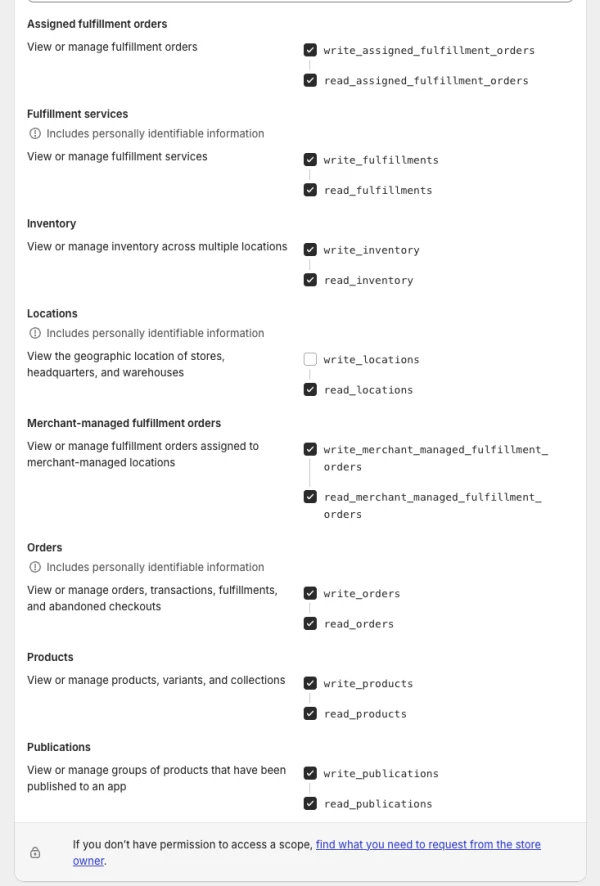
- In the Admin API access scopes section, select the API scopes below:
Only enable access scope show in image below (with tick)
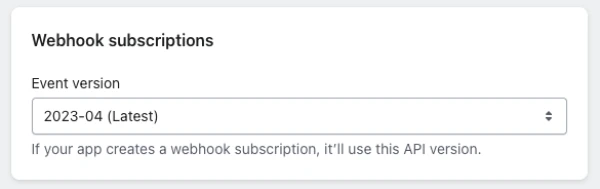
- In the Webhook subscriptions section, select latest Event version.
- Click Save.
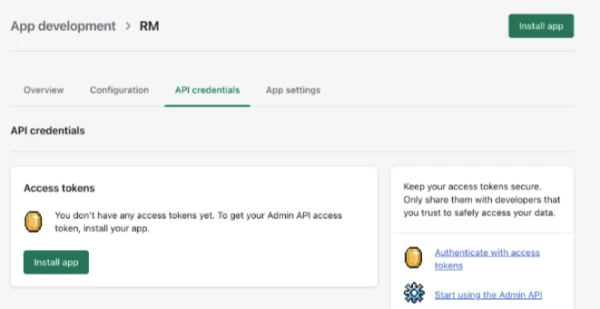
After you've set API scopes for your app, you can install the app.
- Click Install app.
-
In the modal window, click Install.
-
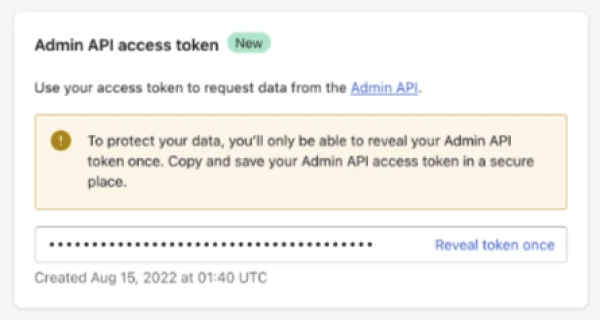
Go to the Admin API access token section and click Reveal token once.