How to reconnect to Shopify
Last updated: April 23rd, 2024
In this article:
Reconnect to Shopify
Step 1:
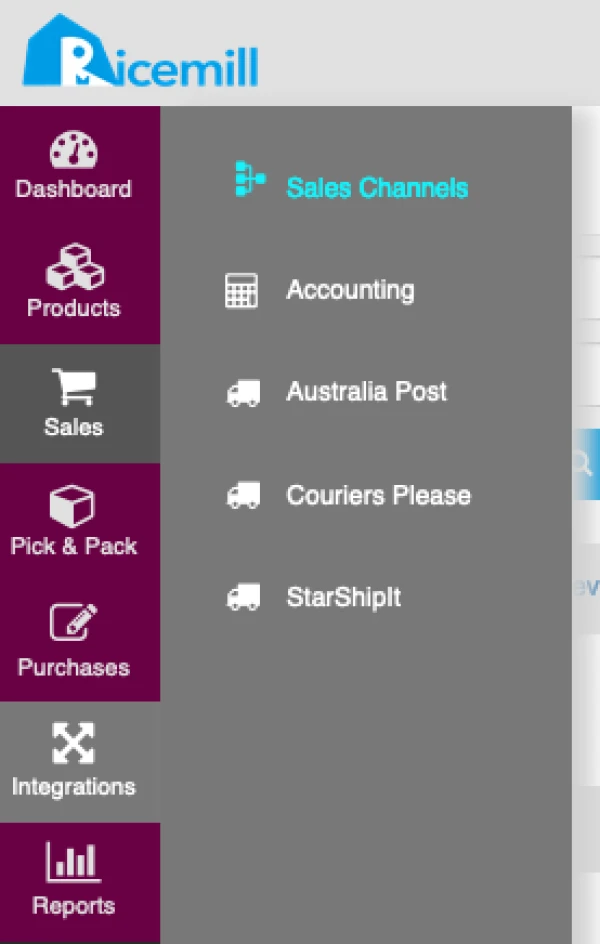
- Go to Integrations > Sales Channels
Step 2:
- Select ‘Shopify’ Channel to reconnect.
- Click on "Setting" button

Step 3:
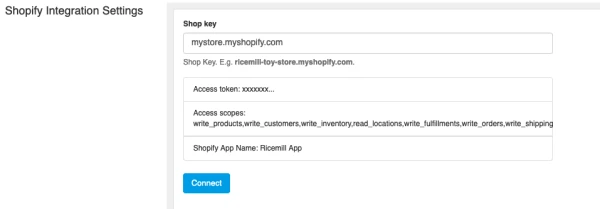
- Browse to Shopify Integration Settings.
- Click on "Connect" button
Step 4:
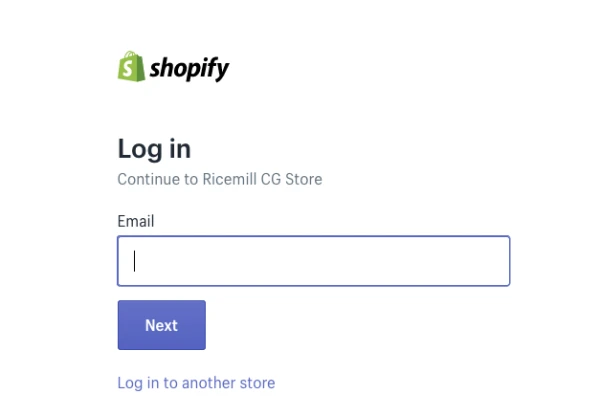
- Login to your shopify store
Step 5:
- Follow the steps on Shopify.