Setting up CouriersPlease Integration
Last updated: July 1st, 2026
In this article:
Connect to CouriersPlease
To integrate CouriersPlease with Ricemill | Fulfilment, you will need a CouriersPlease account number and API key. If you don’t have these, please contact your CouriersPlease account manager.
Steps
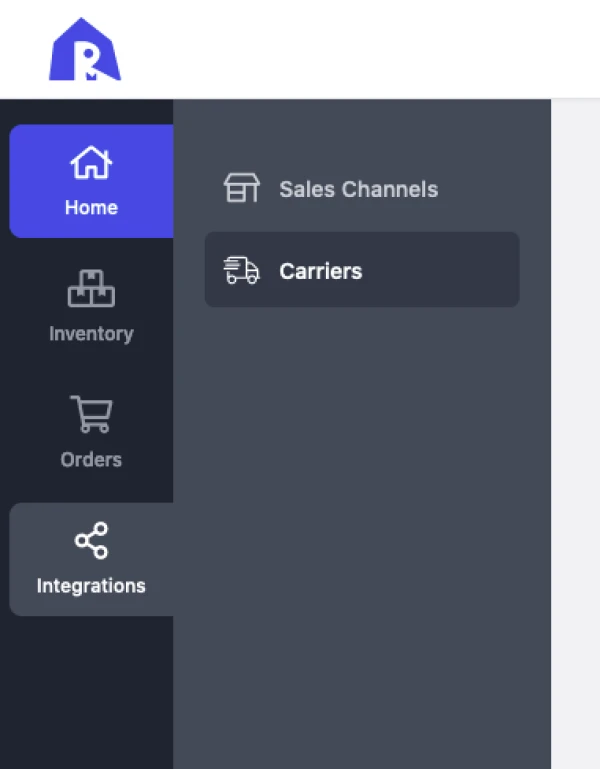
- Go to Integration > Carriers.
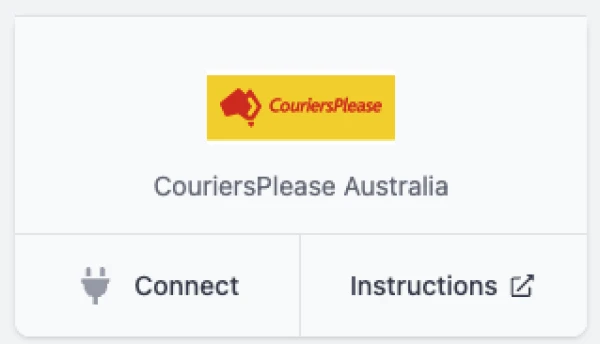
- Under Available Carriers > CouriersPlease, click on Connect button.
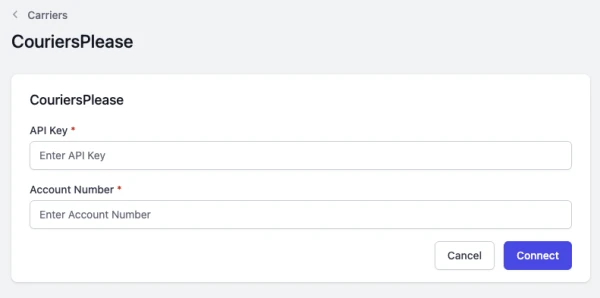
- Enter API Key and Account Number.
-
Click Connect.
-
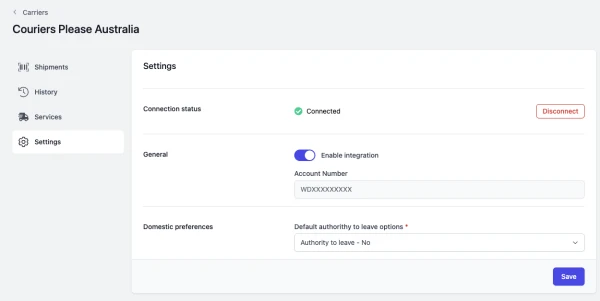
Click on Save button to save the setup.
Fulfilling orders using CouriersPlease
Please note that CouriersPlease does not support deleting shipments or labels via integration once they are created. Deleting a shipment in Ricemill will not remove the shipment or label in CouriersPlease. You will only be charged for labels that are scanned at pickup.